
888starz App Download for Bangladesh
888starz offers distinct mobile access routes: an Android APK, a native iPhone and iPad app where the user’s App Store region offers it, and the mobile website. A PWA is also described as a separate browser-based option. For readers in Bangladesh, the first question is which route is available on their device and account-not whether one download works across every platform.
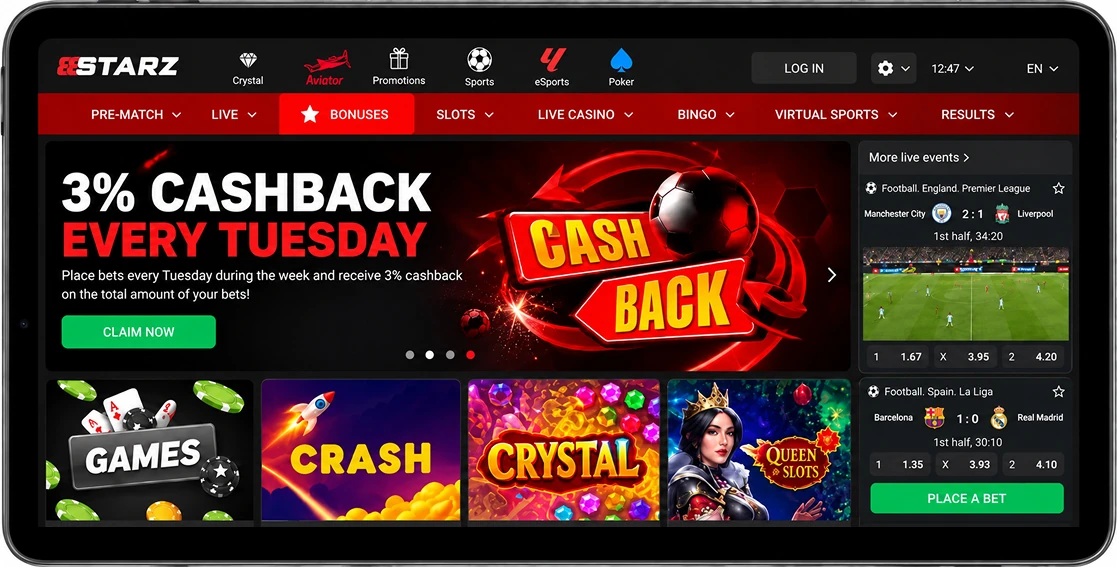
Android APK Specifications
The Android APK is available through the operator’s mobile download route. These specifications describe a build dated 31 August 2026; they do not establish which version every user in Bangladesh will receive now.
| Android app detail | Specification |
|---|---|
| Distribution | Android APK |
| Build | v256.0.5 |
| Build date | 31 August 2026 |
| APK download size | 46.07 MB |
| Minimum operating system | Android 7.0+ |
| Interface languages | 48, including English |
| Download cost | Free |
The 46.07 MB figure is the APK download size, not the installed application size or the free space installation will require. Check your device’s Android version before downloading, and allow space for installation and future updates rather than treating the APK size as a storage requirement.
Installing the Android APK Safely
An APK is an Android installation file, not an iPhone app. Use the operator’s mobile route rather than an unrelated file-sharing page, and check the package presented there before approving installation. The version offered to your device may differ from the dated specification above.
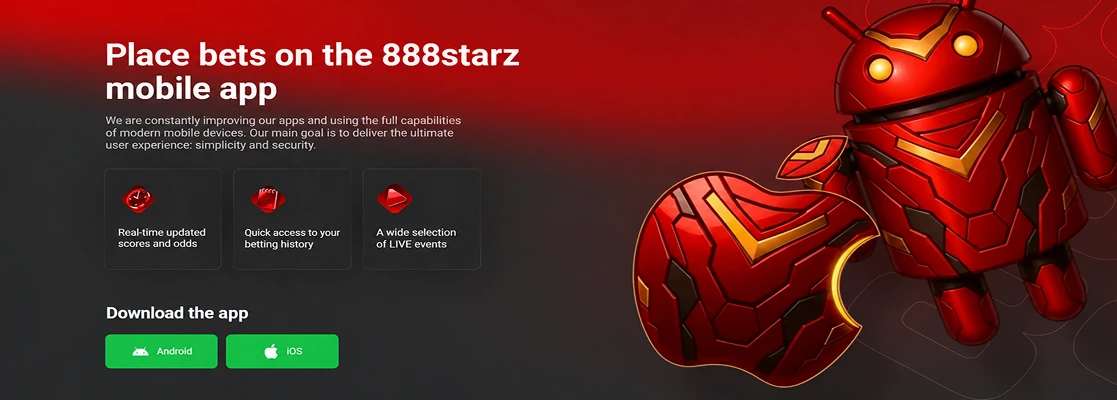
Using the Operator Download Route
- Open the operator’s mobile site on the Android device where you intend to install the app.
- Find its Android download option and check the package and version details displayed before downloading.
- Download the APK through that route. If your browser warns about APK files, review the file’s origin instead of dismissing the warning automatically.
- Open the downloaded file when you are ready to install it. If the download stops or the file cannot be opened, return to the operator route rather than trying an unrelated replacement package.
There is no need to look for a special Bangladesh-only APK: the documented route is the general operator mobile download route. Access remains subject to location and operator restrictions.
Installer Permissions and Setup
- When Android requests permission to install from the selected browser or file manager, allow that installer source only if the permission is needed for this installation.
- Review the installation prompt, then proceed if it identifies the package you intended to download.
- After installation, revoke the installer-source permission. Keeping it enabled is unnecessary for normal app use.
- Launch the app and sign in through your own account. Installation and login are separate actions; installing a file does not register an account or confirm account eligibility.
Permission wording varies between Android devices. Follow the prompt on your device rather than assuming a setting will appear in a particular menu position. If the file fails to install, check operating-system compatibility and the downloaded package before changing further settings.
iOS Specifications and Regional Availability
The native iOS app is an App Store download, not an APK or a PWA. Its listed specifications describe version 256.0 dated 17 August 2026. Native listings have been observed in some App Store regions, but distribution in the Bangladesh storefront is not confirmed. What appears depends on the user’s actual App Store region and account.
| iOS app detail | Specification |
|---|---|
| Distribution | Native App Store app |
| Version | 256.0 |
| Version date | 17 August 2026 |
| Download size | 238.3 MB |
| iPhone requirement | iOS 15.0+ |
| iPad requirement | iPadOS 15.0+ |
| Interface languages | 51, including English and Bengali |
| Download cost | Free |
The 238.3 MB download figure does not establish the app’s installed size or the free storage needed to complete installation. The language count describes the interface for this dated listing, not the languages available from every staffed support channel.
Native App Store Availability
The native listing identifies Bittech B.V. as the seller and carries app ID 6475004245. To check the route without assuming regional availability:
- Open the App Store using your actual region and account.
- Search for 888starz and check the app identity and seller before selecting a download.
- If the listing is available, review the device requirement and version shown for you, then install through the App Store.
- Use the App Store listing to check for updates.
If the native app does not appear or cannot be downloaded in your region, do not enter false country or billing details. Consider the separate browser route instead, subject to the operator’s access rules.
Mobile Browser and PWA
The mobile website is a separate way to reach the operator’s site without installing the native iOS app. A PWA has also been described by the operator, but it is a browser-based route rather than the App Store application. Its Bangladesh-specific installation behaviour and functions have not been established.
To use the browser route:
- Open the operator’s site in your mobile browser.
- Check whether the site and account access are available from your location.
- If the site offers a PWA installation option on your device, review that prompt separately from any App Store listing.
Do not assume a browser shortcut will provide the native app’s features, offline access or push behaviour. A shortcut can open a website without being the described PWA. Mobile-site access from Bangladesh and account eligibility remain subject to location and operator restrictions.
Using an Account in the App
Downloading an app does not create an account, complete identity checks or remove location-based restrictions. Existing users can sign in through an available route; new users should complete registration separately and review the details they submit. The registration guide explains that process. Account decisions remain with the operator, not this publication.
Before using a different device, make sure you know which account credentials you intend to use. If access fails, distinguish a login problem from an installation problem: downloading the package again will not, by itself, recover an account.
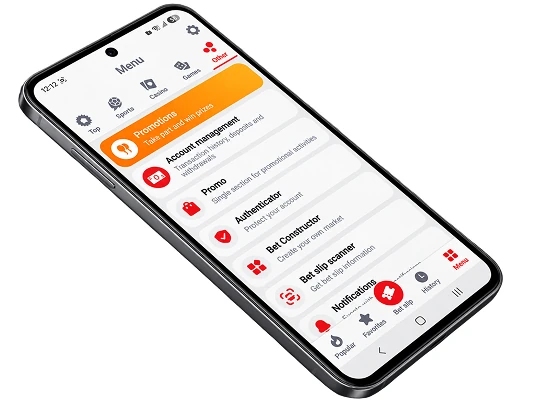
Sports, Live Events and Account History
Available routes show different combinations of event browsing and account features. Documented examples include:
- Sports, live betting, esports and virtual-sports sections in the operator’s navigation.
- Live odds and events on the Android route, alongside account and bet-history access.
- Sports and live-event access on the native iOS listing, with account, payment and statistics features.
The dated iOS 256.0 update notes describe changes to navigation, event search and grouping, bet history and statistics, plus performance fixes. They are notes for that iOS version, not a promise that every route displays the same controls. When reviewing a wager, check its details and account history within the route you are actually using.
Payments and Support
Bangladesh payment references describe transactions in BDT (Bangladesh taka) through bKash, Nagad, Rocket and Upay; the operator also specifically mentions bKash and Nagad for Bangladesh. These examples do not guarantee that every method appears for every account or in both transaction directions. Confirm your currency choices during operator registration or in the authenticated cashier, and check the deposit and withdrawal options separately before acting.
Other reported deposit options include Skrill, Jeton Wallet, STICPAY, PayDo, BinancePay, Perfect Money and crypto. Reported withdrawal options also include BinancePay, WebMoney, Perfect Money and other wallets or crypto. A method appearing for deposits does not establish that it can be used for withdrawals.
The operator states that identity verification is required before payout. An account request may ask for identity and address evidence; reported examples include an NID or other ID card, passport or driving licence, and a utility bill or bank statement. Follow the request shown in your authenticated account rather than assuming every example will be accepted. No fixed review time is established.
For account or app questions, use an operator channel rather than treating this publication as player support:
- support-bd@888starz.bet – Bangladesh-labelled operator contact.
- support-en@888starz.bet – English technical support.
- security@888starz.bet – account-security matters.
- complaints@888starz.bet – complaints and suggestions.
- The operator’s website contact form and operator-stated live chat – alternatives when available to you.
The operator describes global assistance as available 24/7, but that does not establish the staffed hours or response time of each Bangladesh channel. Bengali and English assistance is reported; check the available channel for the language support you need.
Updating the App and Resolving Installation Errors
The Android and iOS figures above are dated build details, not instructions to remain on those versions. Check the route that supplies your app before updating:
- On Android, return to the operator’s mobile download route and check the package currently offered before installing an update. Do not assume APK updates happen automatically.
- On iPhone or iPad, check the listing and updates available through your actual App Store account.
- After an update, open the app and confirm that you can access your account and the information you need. The iOS change notes should not be taken as an Android changelog.
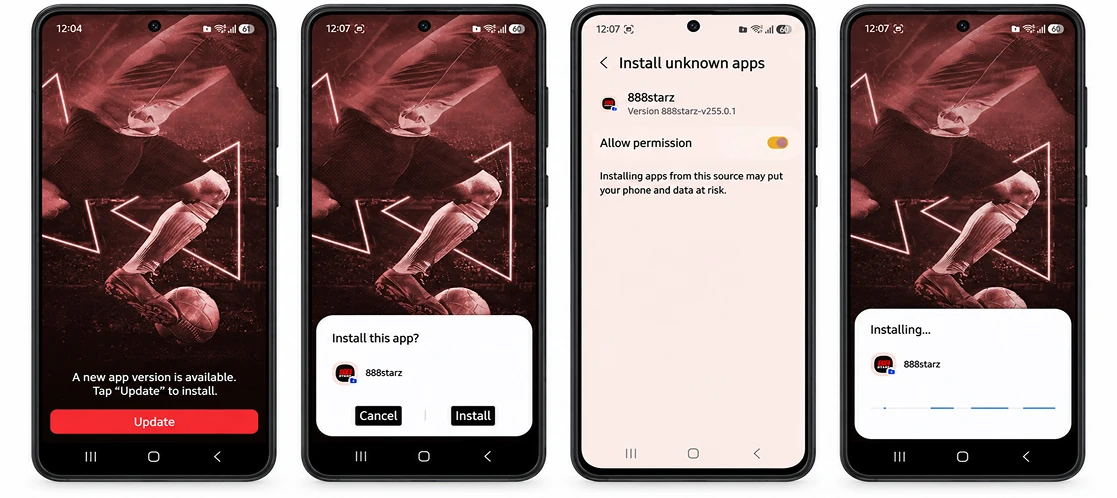
Different failures call for different checks. Reinstallation is not a universal remedy, particularly for login or regional-availability issues:
- Download does not complete – the connection or download route may have been interrupted – retry through the operator’s mobile route and check that the file finishes downloading.
- Android installation is blocked – the selected installer may lack permission, or the device may not meet the Android requirement – check Android 7.0+ and allow that installer source only if required, then revoke permission after installation.
- Installed app will not launch – an incomplete installation or device-level problem may be involved – restart the device, check for an operator-provided update and contact support-en@888starz.bet if the problem continues.
- iOS listing is unavailable – App Store region or account availability may be the cause – check your actual store listing and consider the separate mobile-browser route.
- App opens but sign-in fails – this is an account-access issue rather than proof that the download failed – check your credentials and use operator support for account help.
App Promotions and Conditions
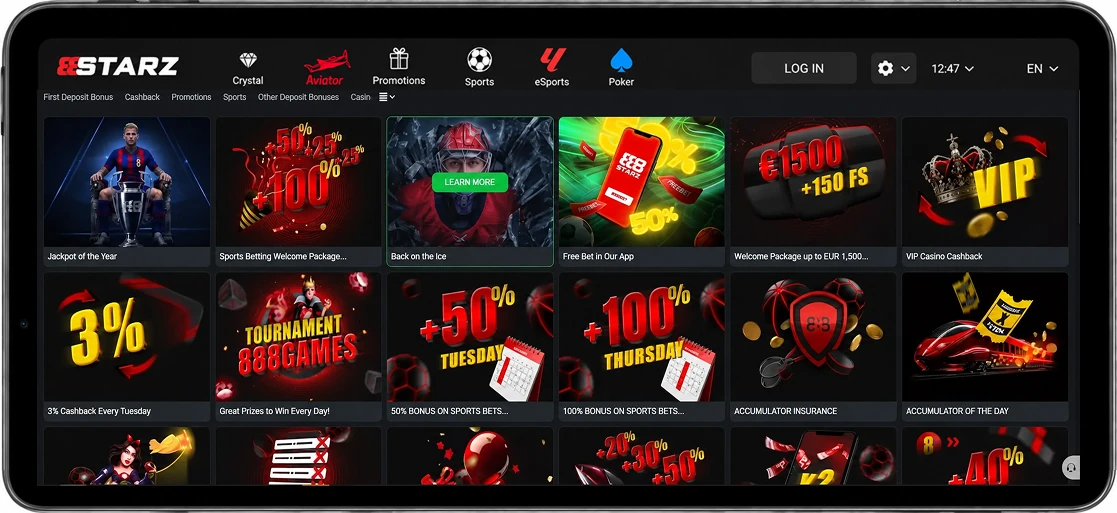
A reported app-related freebet example applies only if the promotion appears in the user’s account; it is not an automatic reward for installing the app or a guaranteed current Bangladesh offer. The example describes a freebet of up to 450 BDT after 10 settled mobile bets of at least 150 BDT each. The reported reward equals the average qualifying stake, subject to the offer’s cap.
Qualifying bets in that example are singles at odds of 1.4+ or accumulators with at least two selections at odds of 1.2+ each. Using the resulting freebet has a different reported rule: an accumulator with at least three selections at odds of 1.5+ each. Check the promotion displayed in your account for eligibility and governing conditions before placing bets. These app-freebet rules are separate from sports and casino welcome offers.
Account Security
Use credentials you control and avoid entering them into an unexpected page reached through a message or third-party download. The operator states that its web connections are encrypted and that optional account two-factor authentication is available. If the option is offered in your account, enabling it adds a check beyond the password.
Keep your device and chosen app route updated, and remove Android installer permission once it is no longer needed. If you suspect unauthorised account access, contact security@888starz.bet through a separate route rather than repeatedly attempting to sign in through a questionable link. Optional 2FA does not imply that every device offers biometric login.
FAQ
- Can the Android APK be installed on an iPhone?
- No. The APK is for Android. On an iPhone, check whether the native app is available in your actual App Store region, or use the separate mobile-browser route if accessible.
- Is the native iOS app the same as a PWA?
- No. The native app is distributed through the App Store where available. The PWA is a separately described browser-based route; do not assume it has the native app’s features.
- Are the reference sizes the installed application size?
- No. The dated download sizes are 46.07 MB for the Android APK and 238.3 MB for iOS. Neither figure establishes installed size or required free space.
- Does app installation automatically credit a bonus?
- No. The reported mobile-bet freebet example depends on account-specific promotion availability and qualifying bets, not installation alone.
- Where should I check the current version?
- Check the package currently offered through the operator’s Android mobile route, or the listing available through your App Store account on iOS. The August 2026 specifications above do not establish the version offered to you now.